
SASSA Change Phone Number without Application id On Whatsapp 2026
If you’re trying to lodge or track a SASSA SRD appeal but the cellphone number on file is wrong, lost, or no longer active, you’re stuck in a common but fixable situation. SASSA ties every appeal to the ID number and registered cellphone number on your original application so an outdated number doesn’t just block payments, it blocks your entire appeal process too.
This guide covers every official channel for the SASSA appeal the contact numbers, the WhatsApp line, the toll-free call centre and walks through exactly how to change your registered number when it’s lost, inactive, or was never yours to begin with.
Why SASSA Change Phone Number Matters for a SASSA Appeal
Your registered cellphone number is more than a contact detail it’s effectively your login key for srd.sassa.gov.za. It’s used to:
Why this matters: If the number on file is dead, reassigned, or was never in your name, you won’t receive the OTP needed to even log in and check your appeal let alone lodge one. This is why “change number” issues show up constantly alongside appeal searches; the two are directly linked.
Official SASSA Appeal Numbers and Contact Channels
Before appealing or changing your number, always start from official SASSA channels. Numbers and links associated with SRD queries change occasionally, so cross-check against the official SRD portal before relying on any number you find elsewhere.
Don’t trust “SASSA appeal WhatsApp numbers” shared on social media or unofficial blogs without cross-checking them against srd.sassa.gov.za first this is one of the most common vectors for SRD-related scams.
How To Change SASSA Phone Number On srd.sassa.gov.za
If you still have access to your current registered number, this is the fastest route.
Step 1: Go to the Official Contact/Update Page
Open srd.sassa.gov.za and find the mobile number update or “Change Contact Details” option.
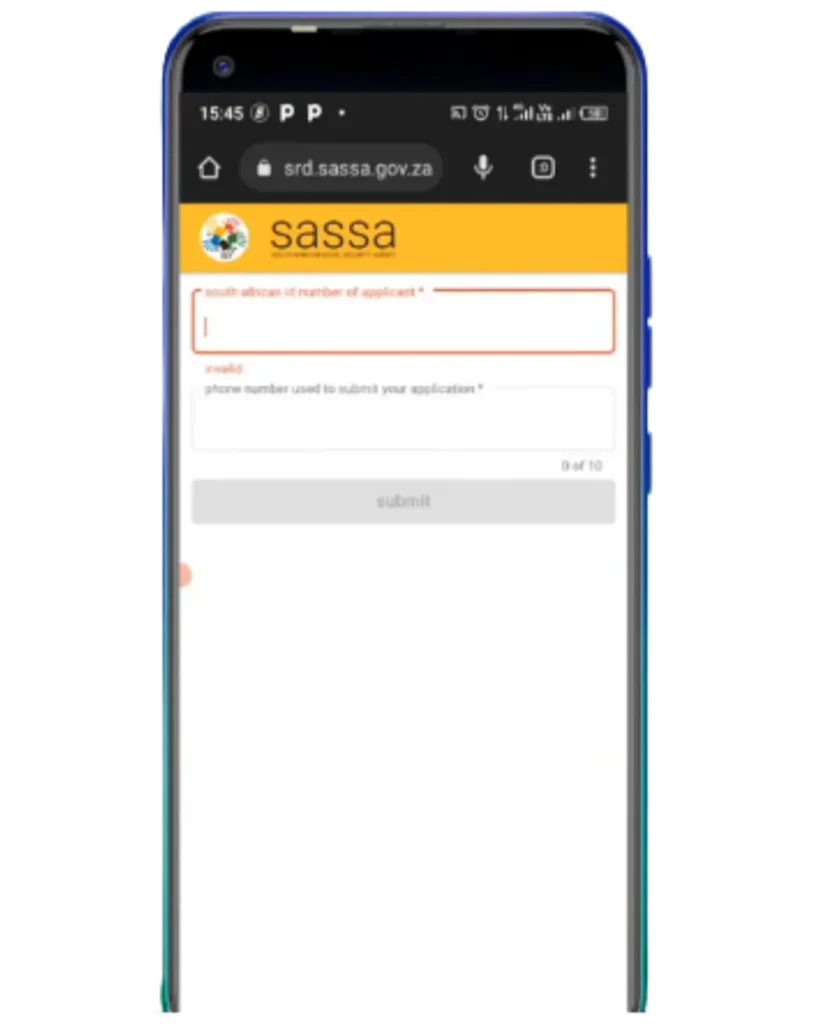
Do not use any third-party site number changes should only ever happen through the official SASSA domain.
Step 2: Enter Your ID Number
You’ll be asked for your 13-digit South African ID number. Depending on the version of the portal you land on, you may also need your 6-digit Application ID (AppID), which appears in your SRD status results.
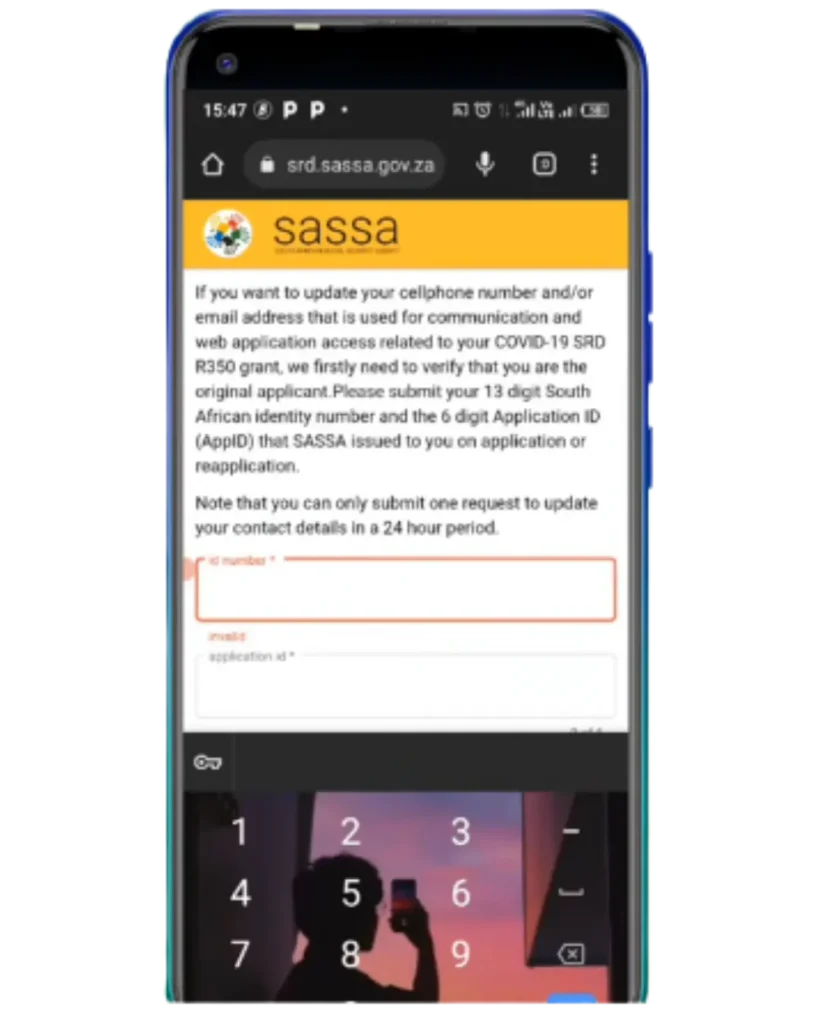
Tip: If you don’t have your Application ID handy, check your status page first it’s usually displayed there before you attempt the number change.
Step 3: Select Your Reason for Changing
You’ll typically choose from options like: new phone, wrong number originally captured, third-party phone, or lost phone.
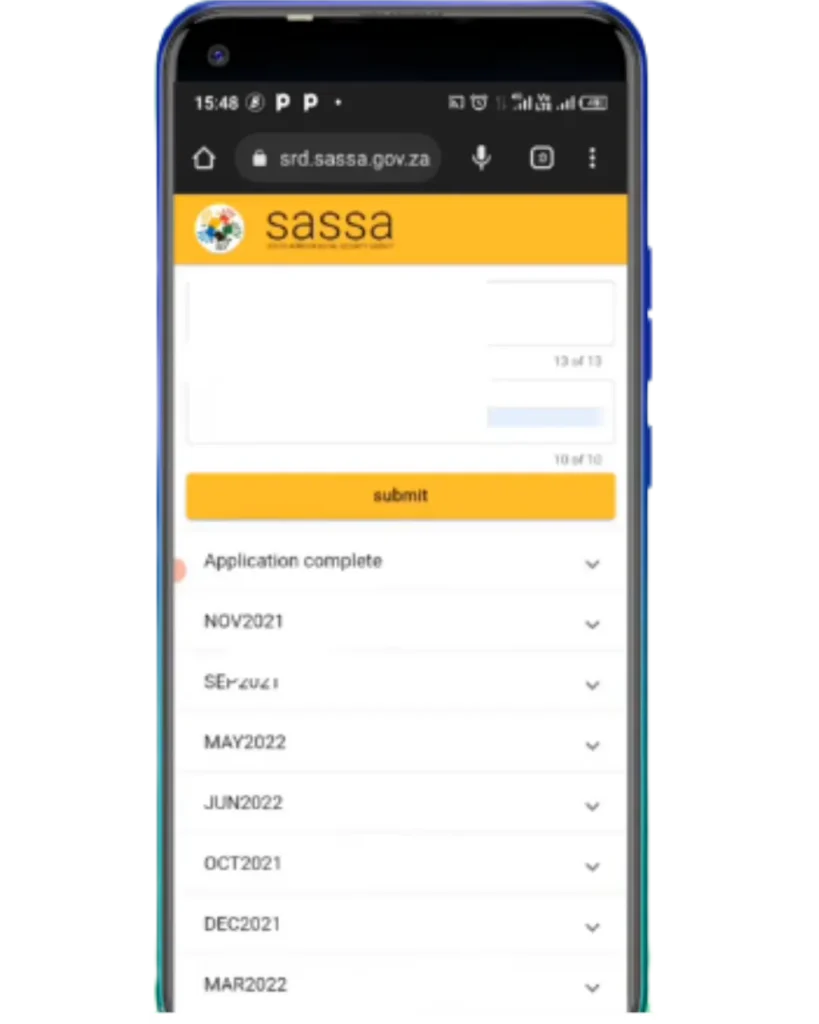
Pick the one that matches your situation exactly, since it determines which identity-verification path you’re routed through.
Step 4: Verify Your Identity
Depending on the reason selected, verification may ask for the last 4 digits of your bank account or a facial-scan check against your Home Affairs photo.
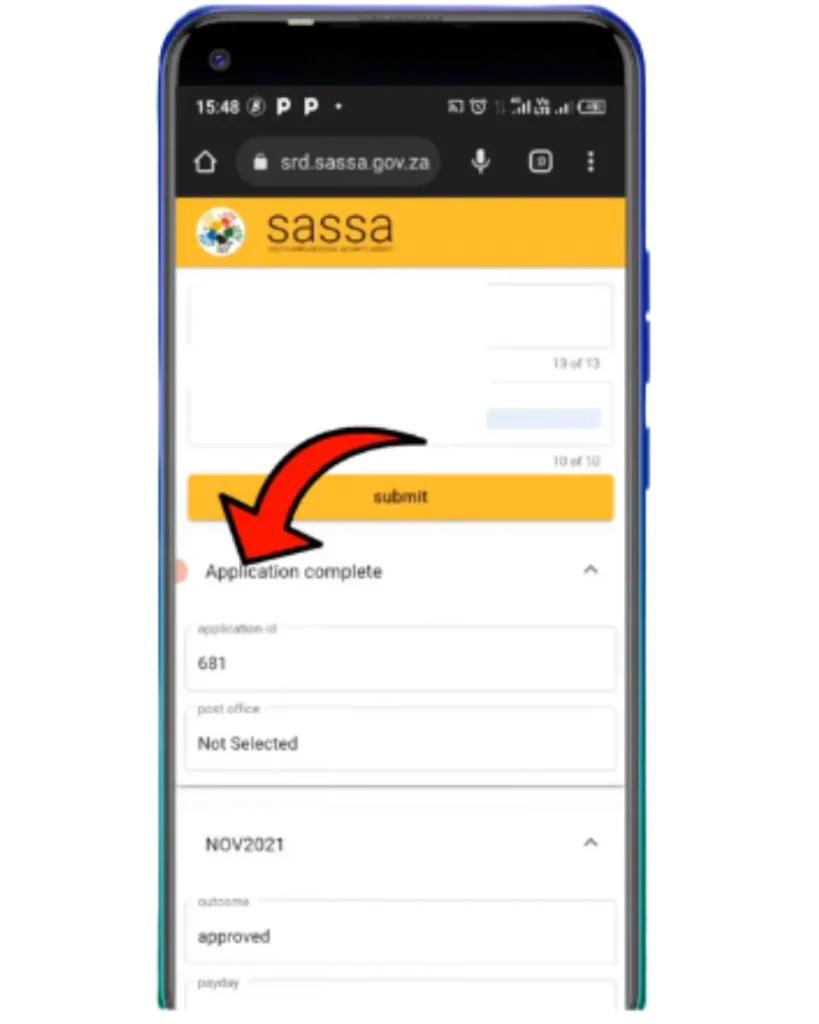
This step exists specifically to stop fraudulent number swaps.
Step 5: Confirm With OTP on Your Current Number
An OTP is sent to your existing registered number first. Enter this promptly SASSA’s OTPs expire quickly, and using an old one will fail the process.
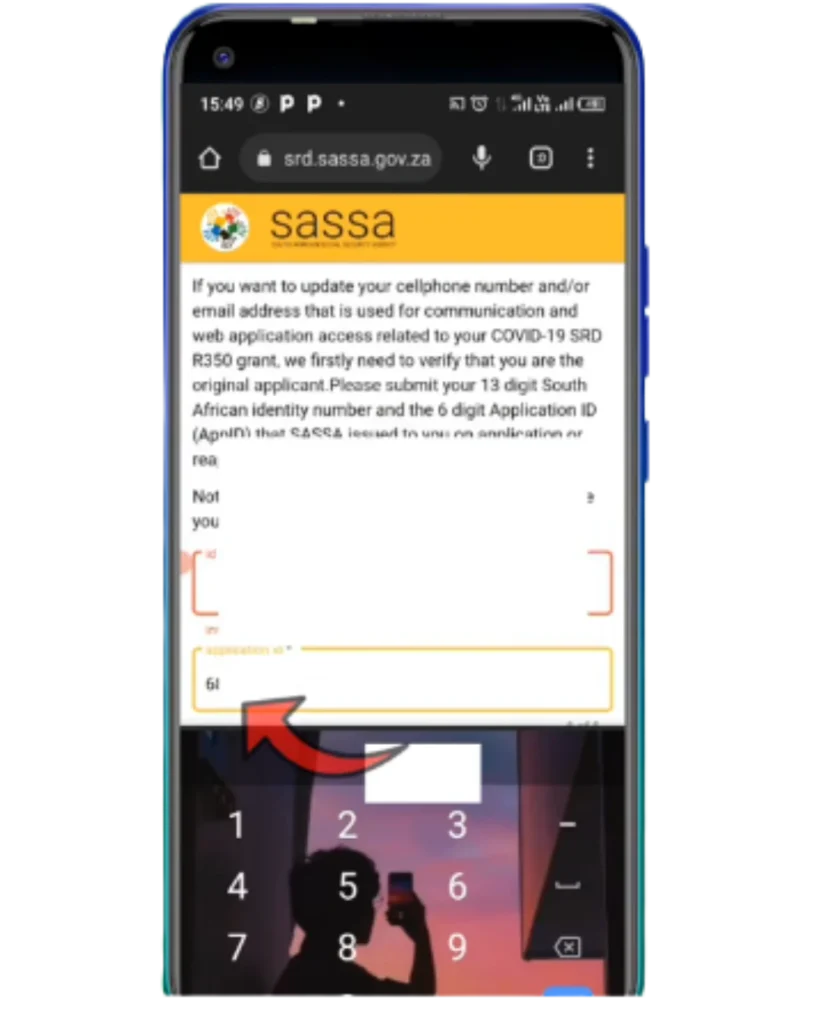
Don’t close the browser tab before this step completes if you exit early, the change may not save and you’ll need to restart the whole process.
Step 6: Enter and Confirm Your New Number
Type in your new South African mobile number (must start with 0, 10 digits total, no landlines). A second OTP is sent to this new number enter it to confirm you have access.
Step 7: Submission Confirmed
Once confirmed, your new number replaces the old one in SASSA’s system. Processing can be near-instant, though some sources note it may take up to 14 working days depending on system verification load.
What to Do If You Lost Your Old Number Completely
The standard process above requires an OTP sent to your existing number which obviously doesn’t work if that number is gone. In this case:
A little more detail (so it never fails): mobile networks in South Africa can deactivate and recycle inactive SIM numbers, meaning your old SASSA-registered number could now belong to a stranger. If that’s happened, treat it as urgent anyone receiving your OTPs could interfere with your account.If you’re planning to submit a new SRD SASSA Application, make sure your registered mobile number is active and under your control to avoid verification and payment issues.
In-Person Number Change at a SASSA Office
When the online route isn’t possible, visit your nearest SASSA office with:
Why this matters: Staff can update your registered number directly from SASSA’s internal system without requiring the OTP-to-old-number step that blocks most online attempts.
Comparison Table: Number Change Methods
| Method | Requires Old Number? | Speed | Best For |
| Online (standard OTP flow) | Yes | Fast, often same-day | Still have access to old number |
| Online (Lost Phone / bank verification) | No | Fast to moderate | Lost SIM but bank details unchanged |
| Facial-scan / biometric verification | No (uses ID photo match) | Moderate | Wrong number originally captured |
| In-person at SASSA office | No | Slower, requires travel | Lost number, failed online attempts, fraud concerns |
So, the online OTP flow is the best method whenever your old number is still active, because it avoids office travel entirely but the in-person route is the necessary fallback the moment OTP verification isn’t possible.
Common Errors When Changing Your Number
Tips for Avoiding Appeal and Number-Change Delays

Thabo Nkosi (Founder, Social Security Advisor and Content Writer)
Thabo Nkosi is a social security advisor and writer specializing in South African SASSA grants and appeals procedures. He was born and raised in South Africa and has spent over a decade helping individuals and families navigate the South African social welfare system.
His experience as a social security advisor gave him in-depth knowledge of the SASSA grant system, the procedures before SASSA, the Department of Social Development, and everything related to the SASSA Appeal Tribunal and the Unique Beneficiary Reference Number.
FAQS
Final Thoughts
SASSA Number changes and appeals are two sides of the same coin on SASSA’s SRD system you generally can’t move one forward without the other being in order. If your current number still works, the online OTP flow is genuinely the fastest fix, often resolved same-day. But if your old number is gone for good, don’t keep retrying the standard flow expecting a different result go straight to the Lost Phone verification option or, if that fails too, your nearest SASSA office with your original ID.
I really suggest treating your registered number as seriously as your banking details: keep it active, keep it in your own name, and update it the moment anything changes it’s the single point of failure behind most stuck appeals.